Get Started
1. Open the Platform
Go to:
2. Automatic smart account creation
When you first open the platform, a Coinbase Embedded Wallet smart account is automatically created for you. This is your main funding account for all agents.
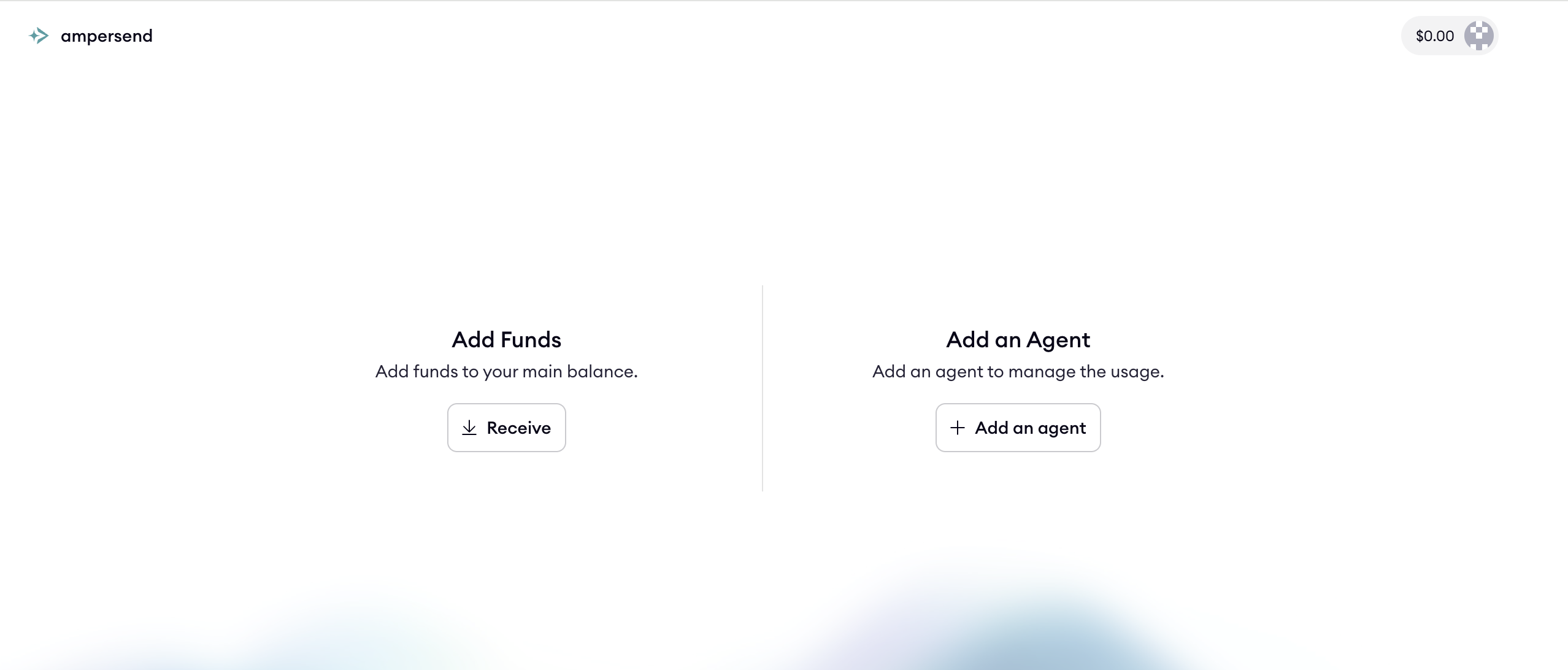
Initial screen
3. Add funds (USDC)
You must fund your main account before creating functional agents.
-
On the homepage, under Add Funds, click:
- Receive → Deposit USDC
-
Funds transferred to your main account are used for:
- Agent auto-top-ups
- Agent direct transfers
- Covering service usage costs
4. Next: monetize an API with hosted endpoints
Agents can do more than spend — they can earn. Turn any HTTP API into a paid x402 endpoint and let the ampersend proxy collect payment on every call.
- From the dashboard: open your agent and go to Endpoints → Add endpoint.
- From the CLI: use the
ampersend endpointcommand group. See Endpoint Commands, or run OpenAPI to Endpoints to bulk-create from an OpenAPI spec.
Learn more in Hosted Endpoints.